To edit the info of employees:
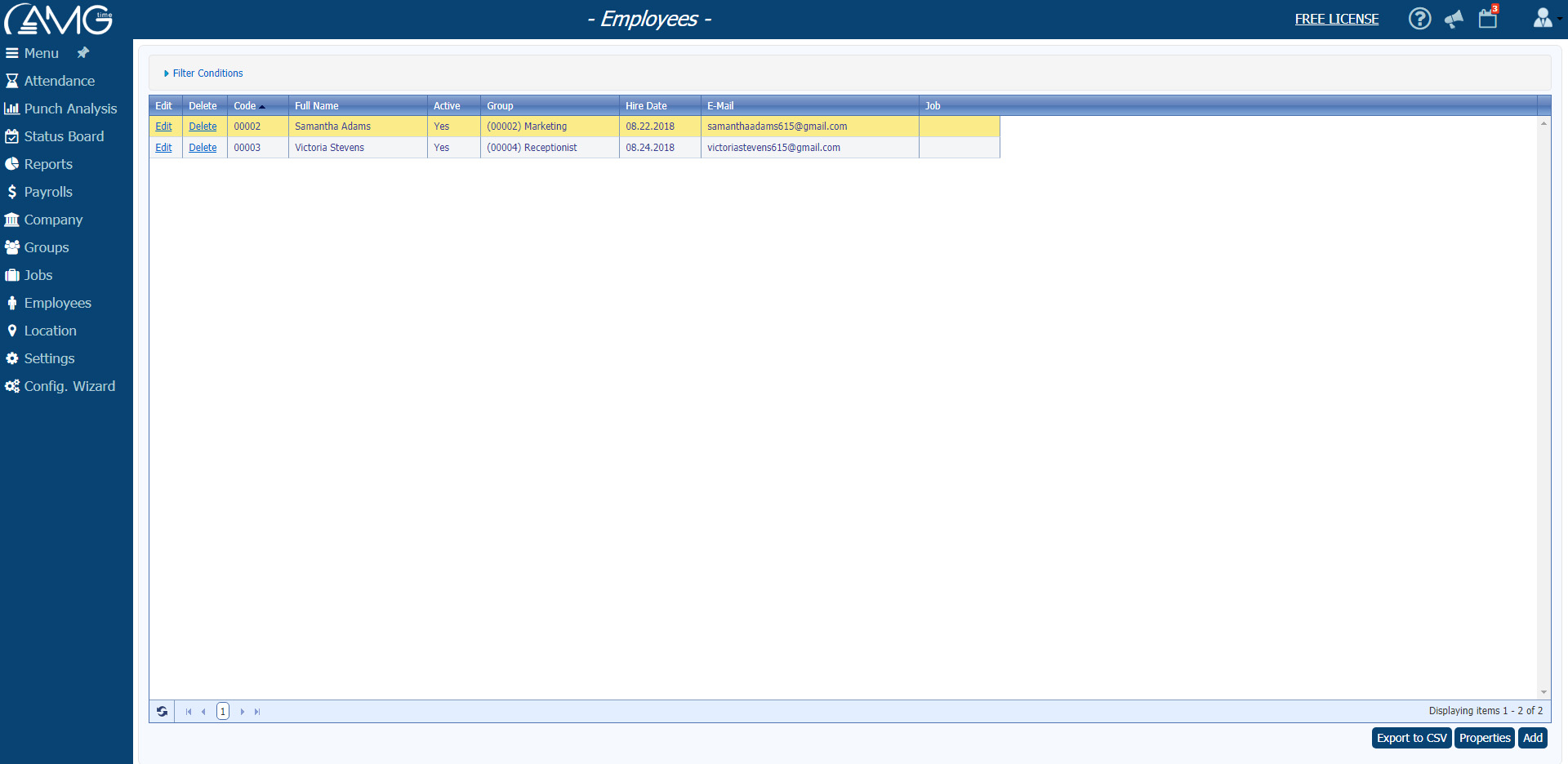
- From the Employees table select the employee whose data you want to edit and click on the Edit button or doubleclick on the employee. (As a result will be opened Edit Employee page).
- Make the necessary changes.
- Click on the OK button.
 Note: Note: |
| If the Edit button is not active, then you don't have permission to edit employees. Please contact your system administrator to grant you this permission. |
You can also export employees (in DBF and CSV formats), or generate a report on the organization's employees.
To export an employee list in DBF format, click on the Export button and select Export to DBF. As a result will be generated two files: one in ".dbf" format, another in ".fpt" format. Note that both are necessary. The exported files will include only filtered employees. To export an employee list in CSV format, click on the Export button and select Export to CSV. A file in ".csv" format is generated that includes only filtered employees and currently displayed fields.

 button to move the column up, or on the Move down
  button to move the column down.
